This site contains affiliate links, view the Disclaimer for more information.
Check the kit contents, power setup and resting place before adding a cordless iron to your printing desk.
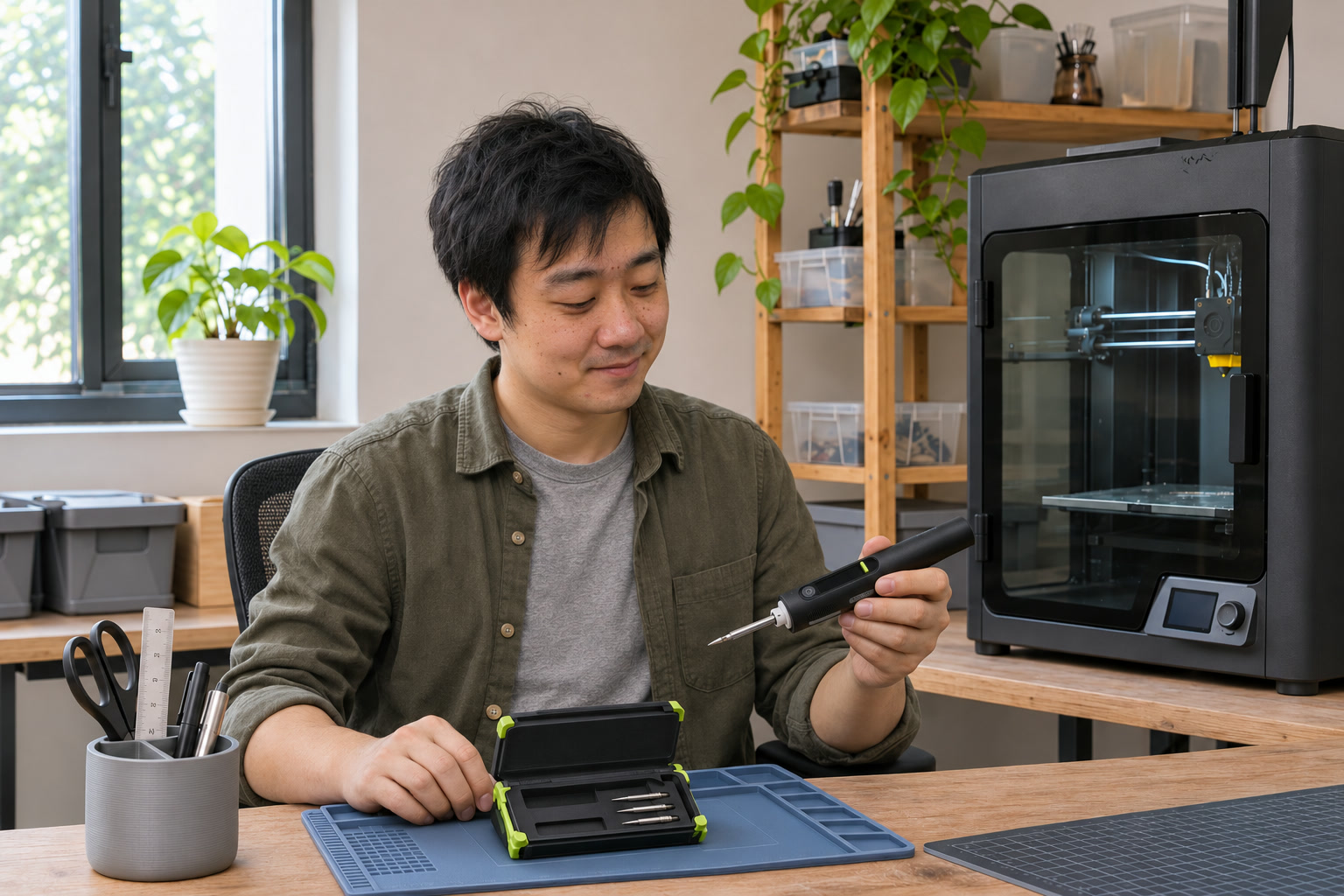
A printed enclosure can look finished long before the electronics are ready to go inside. There is still a short cable to attach, a connector to position and a small board that keeps sliding whenever you let go of it. Suddenly, the clear patch beside the printer needs to become a different kind of workspace.
A cordless soldering iron is appealing here: a small tool that can come out for one job and go away afterward. Before ordering, check the entire setup. The pen, the place it rests and the box it returns to all need room on your desk.
Start with what is actually in the box
A tidy modular case makes a good photograph. It can also make a listing confusing. One image may show the iron standing in an open case, several spare tips and a cleaning pad, while the selected option is the iron alone.
HOTO’s current standalone SNAPBLOQ product page lists an iron, one tip and a charging cable. That contents list is smaller than a modular set. Marketplace sellers may offer different bundles under the same product family, so read the selected option’s contents before comparing prices.
| Check before ordering | What you need to establish |
|---|---|
| Iron or complete set | Whether the photographed case and holder come with this option |
| Tip selection | The supplied tip shape and the exact compatible replacements |
| Power | Whether a charger is included and what the iron requires |
| Work surface | Enough room for the holder, board and your hands |
| Storage | A place for the cooled tool, tips and cable |
If you already have a suitable holder and a reliable place to store small parts, a standalone option may make sense. If the kit’s integrated holder is the feature you want, get confirmation that it is included. Save the selected bundle details with your order.
Decide how the tool will be powered
The HOTO SNAPBLOQ is an example of why a headline wattage needs context. HOTO specifies maximum output of 60 W on battery and 140 W in plug-in mode. Those are different operating conditions, rather than a promise that every charger or remaining battery level delivers the larger figure.
For occasional low-voltage electronics projects, consider where you will actually sit. A cordless handle avoids a trailing power lead during handling. A plugged-in setup needs a cable route that leaves the work area clear. Check the manual for the required supply and cable, and allow for those items in the budget.
Keep the charging lead away from the place where the iron is parked. A cable that reaches the port but crosses the board and your hands is an awkward fit for a small desk.
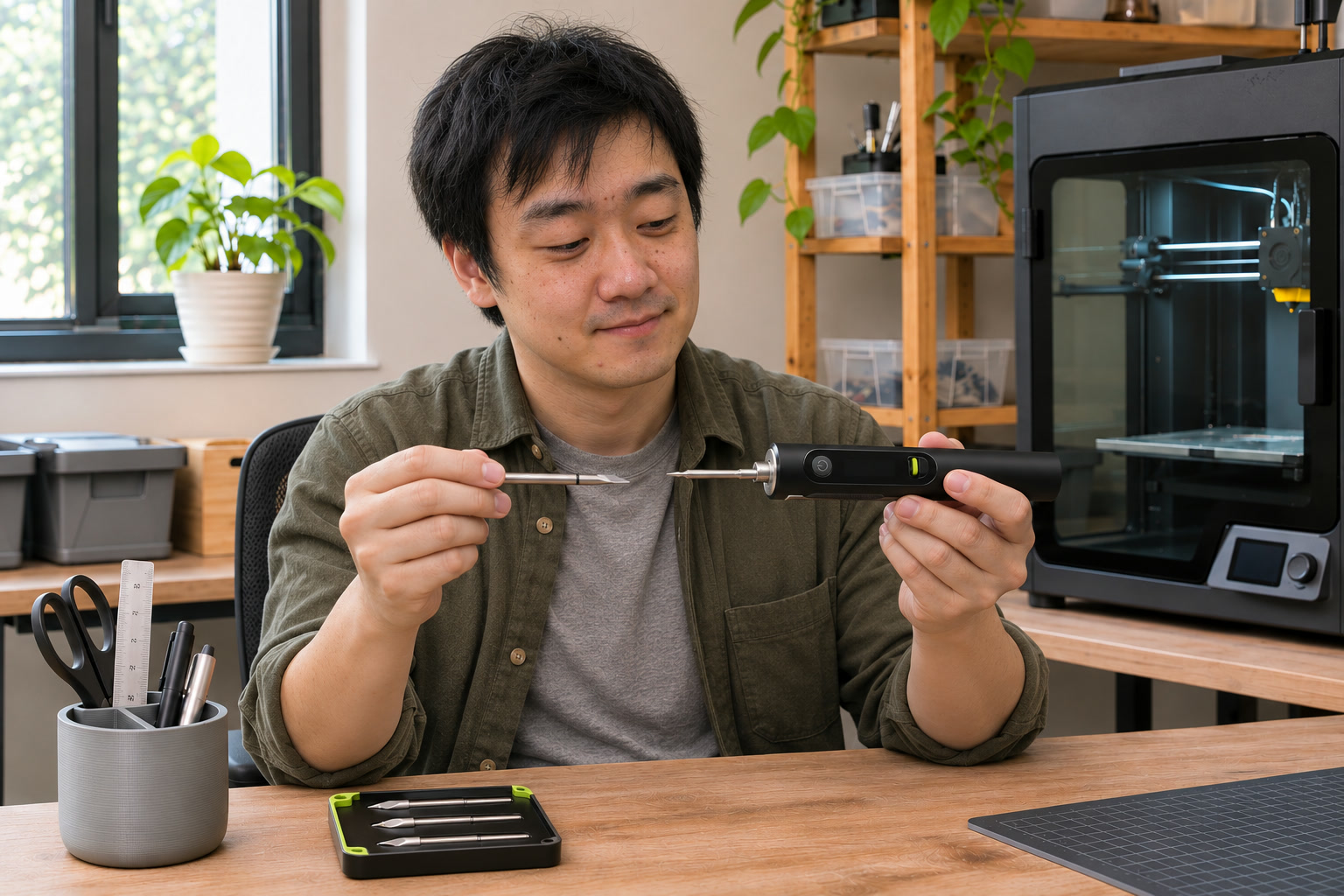
Check the replacement tips before choosing a handle
The display and controls are easy to notice. Replacement tips are easier to overlook until you need a different shape or a worn tip has to come out.
The SNAPBLOQ documentation specifies C245 cartridges. Confirm the iron’s exact model, the supplied shape and the replacement listing’s compatibility. A product photograph showing three shapes does not establish that all three are in the selected package.
Think about the joint you need to reach: the space beside a connector, the board’s edge and how you can support your hand. Keep replacement tips together in a small tray so that they do not disappear among spare printer screws. Disconnect power and let the tool cool completely before changing a cartridge.
Give the board and the iron their own places
Before powering anything, lay the cold setup out on the table. Put the board where you can approach it comfortably, the holder within easy reach and the loose components somewhere separate. Try the movements with the iron switched off.
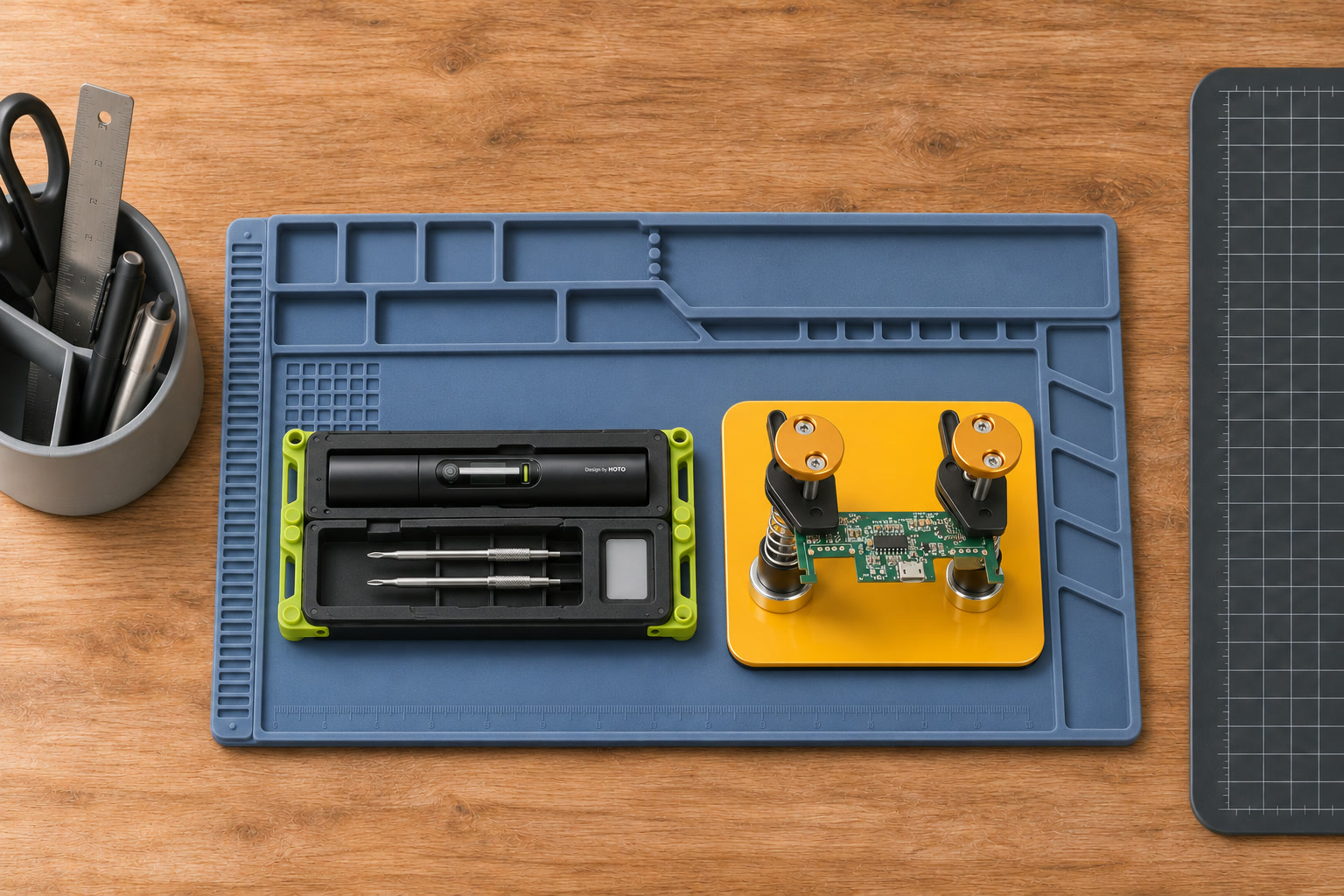
A compartmented silicone work mat can help organize that area. Check the dimensions of the selected mat and leave room around it; some listings show several sizes and tray patterns. Tools pictured on a mat are not necessarily included. A desk cutting mat should not be assumed suitable for soldering simply because it already occupies the right spot.
For a small board that keeps moving, a separate PCB fixture is another option. The Toolour style below uses movable magnetic posts on a metal base. Check which base and clamps the selected option includes, and whether the clamps can reach an appropriate part of your board without blocking the joint. Magnetic posts need their intended compatible base; the wooden table is not that base.
Plan the pause as well as the job
Choose a holder intended for the iron. HOTO’s manual calls for a secure resting position and warns against placing the tool on heat-sensitive surfaces. A silicone mat helps organize the work area; it does not replace the holder.
Keep ventilation in mind and avoid putting your face over solder fumes. When finished, switch off and follow the tool’s cooling instructions before handling or storing it. A darkening screen or sleep setting should not be treated as proof that the tip is cold.
For a printing desk, there is one more boundary worth keeping clear: this is an electronics tool. HOTO’s manual excludes heating or melting non-soldering materials. Plan plastic finishing and insert installation around tools and procedures intended for those jobs.
What to buy first
Start with the iron option whose contents you understand, a suitable holder, and a clear work area. Add a board fixture when your work needs one. Before checkout, check the selected variant again: the complete arrangement in a listing photo can include optional items.
The links below are options to compare. Seller photos identify the products; choose the required bundle and size on the product page. The HOTO marketplace listing has limited sales feedback in the data checked for this guide, so it is a model reference rather than a seller endorsement.
What to look for
Compare the model numbers and fit details before ordering. Product photos are from product catalogs and retailer listings.
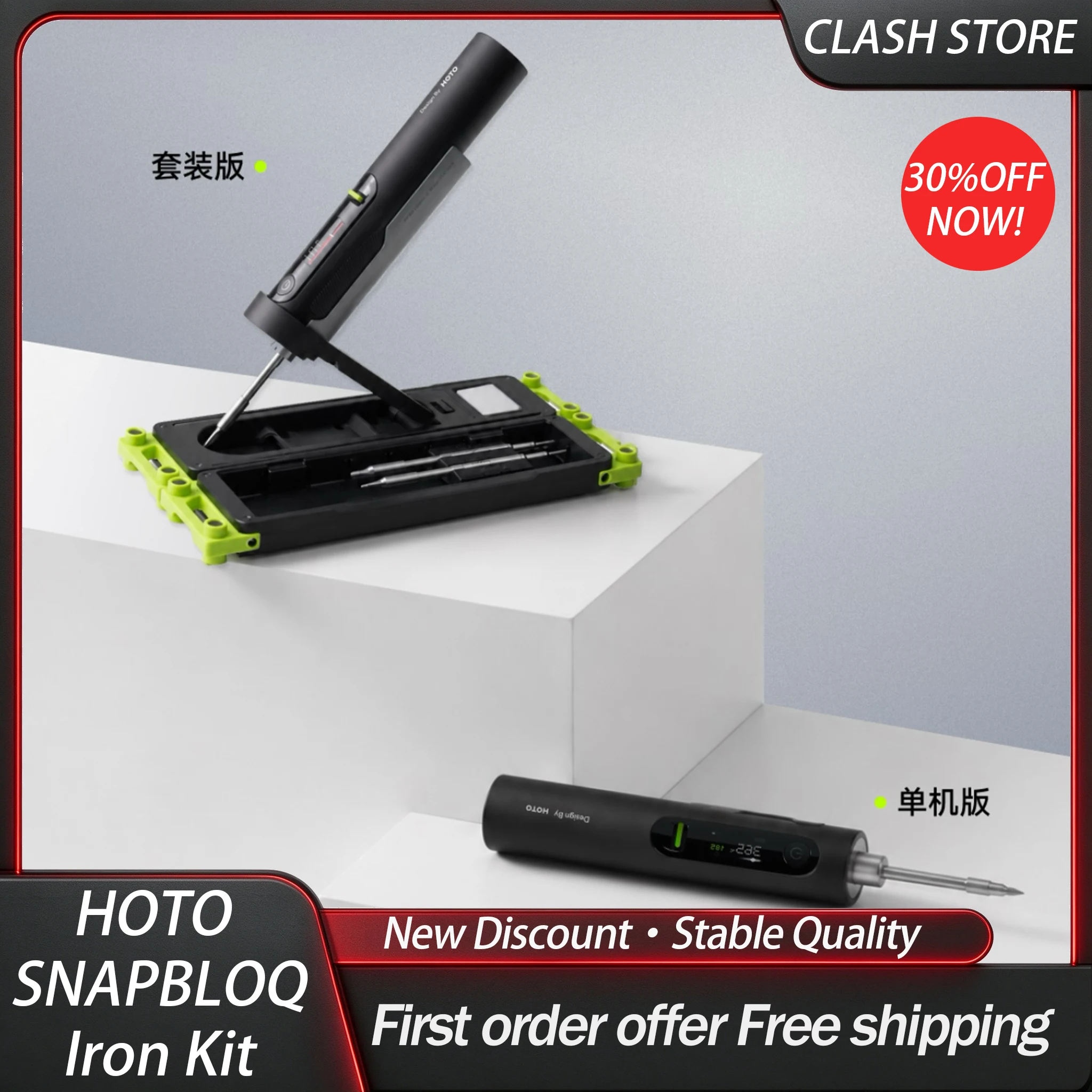
HOTO SNAPBLOQ cordless soldering iron — choose the bundle
Compare the standalone and kit options carefully. Confirm whether the case, holder and extra C245 tips are included. Limited seller feedback in the checked data; no authenticity, delivery or performance guarantee.
View on AliExpress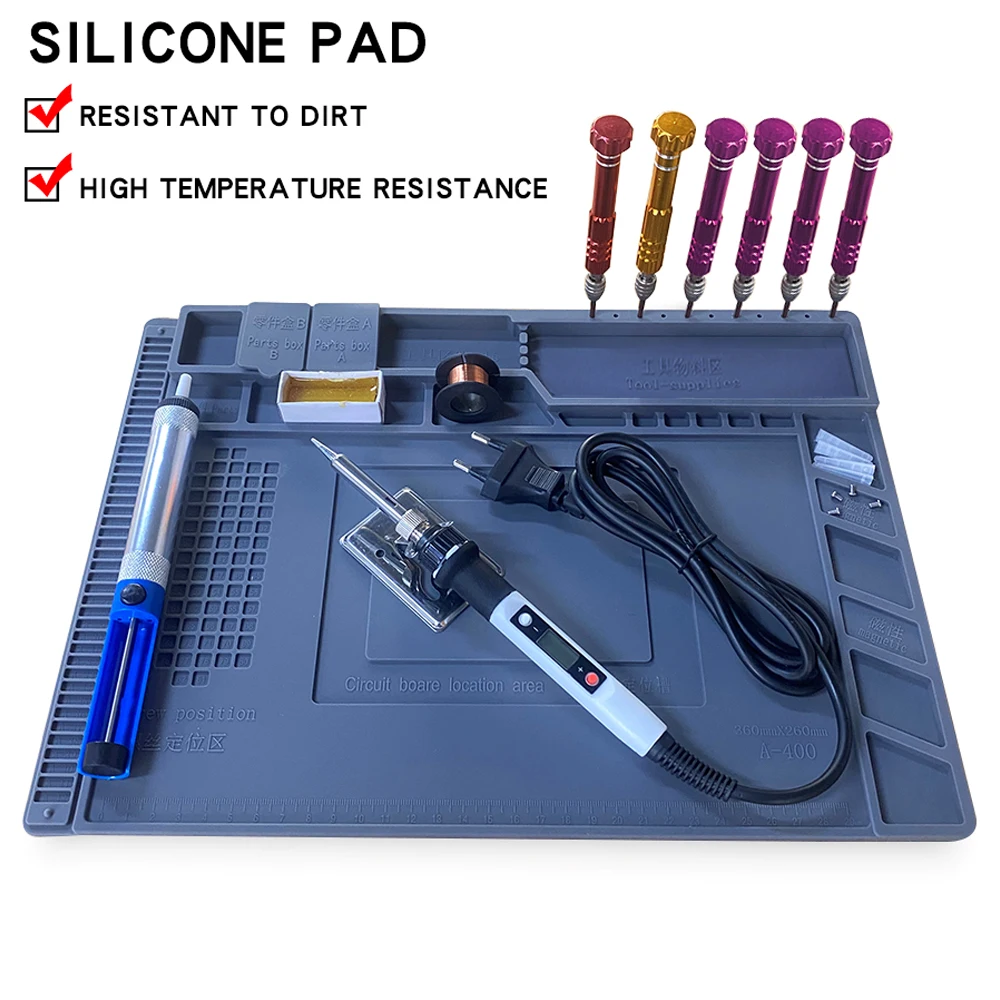
Compartmented silicone soldering work mat
An organizing surface to compare for a small electronics workspace. Select the required dimensions and tray pattern. Pictured tools may be separate; check the material guidance and keep the iron in a suitable holder.
View on AliExpress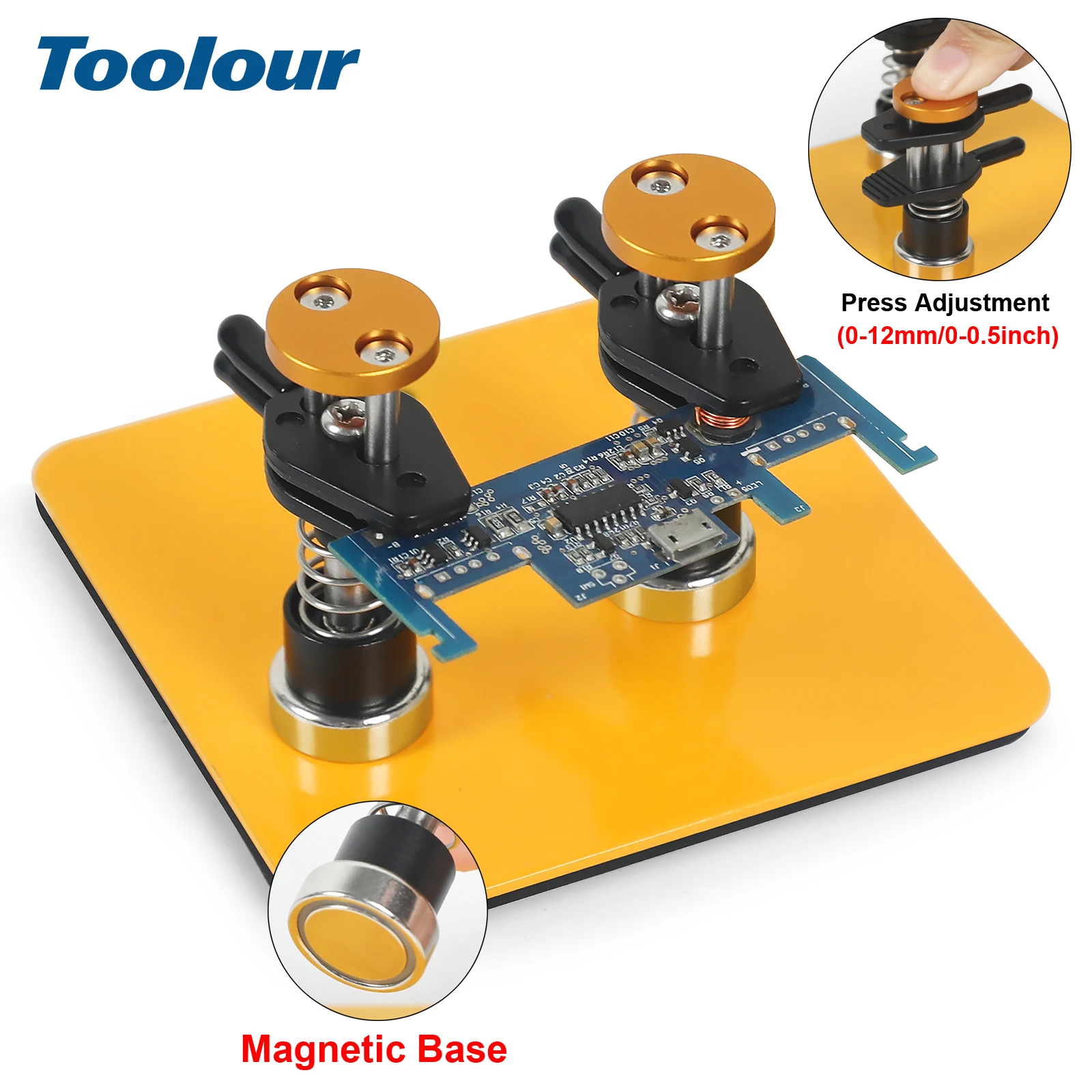
Toolour magnetic PCB holding fixture
A separate board-holding option with movable magnetic posts. Check the selected base-and-clamp contents and clearance around your board. Choose the complete configuration you need, rather than assuming the photograph is the included bundle.
View on AliExpress